
Appointment Scheduling AI
Book the appointment during the call. Not after.
Workforce Wave reads your live calendar availability, runs your full intake protocol, and books a confirmed appointment — all before the caller hangs up. No scheduling links. No callbacks. No double-booking.
In-Call Booking — Real Time
How It Works
Scheduling that closes during the call.
Every step from intake to confirmation happens in a single conversation. The caller hangs up with a booked appointment — not a promise to follow up.
Booked Before They Hang Up
Traditional scheduling flows collect a name and number, then someone calls back to set the time. WFW books the appointment during the original call — the caller hangs up with a confirmed slot, not a promise of a callback. Conversion is materially higher when booking happens in the moment.
Real-Time Calendar Sync
WFW reads your live calendar availability at the moment of the call. It offers real slots — not a generic 'we'll call you back to schedule' — so the caller picks a time that actually works. No double-booking, no manual review needed after the call.
No Scheduling Links Required
Scheduling links assume the caller is ready to navigate a browser and fill out a form. Many aren't — especially emergency-adjacent calls, mobile callers, or patients who just want to speak with someone. Voice-based scheduling meets callers where they are.
Multi-Step Intake First
Before booking, WFW runs your full intake protocol — service type, urgency, insurance or account info, location, and any qualifier questions your business requires. The appointment is booked with a fully qualified lead, not just a name and number.
Rescheduling and Cancellations
Callers can reschedule or cancel via the same voice interface. The change is applied to the calendar in real time, and a confirmation is sent to the contact. No staff intervention required for routine schedule changes.
Industry-Specific Logic
Appointment logic varies dramatically by vertical. Medical practices need appointment-type matching (new patient vs. follow-up vs. urgent). Legal firms need conflict screening before booking. Home services need service-area validation. WFW ships with vertical-specific scheduling logic for each.
Industry-Specific
Scheduling logic built for your industry.
Appointment scheduling requirements vary significantly by vertical. WFW ships with pre-built scheduling logic for each industry — not a generic slot-picker.
Medical & Dental →
New vs. returning patient routing, appointment-type matching, insurance verification intake. Syncs with NexHealth, Dentrix, Open Dental.
Legal →
Conflict screening before booking, practice-area routing, urgency-based prioritization. Syncs with Clio and Lawmatics.
Home Services →
Service-area validation, job-type intake, emergency vs. scheduled service routing. Syncs with ServiceTitan and Housecall Pro.
Real Estate →
Property interest capture, buyer vs. seller qualification, showing scheduling. Syncs with Follow Up Boss.
Appointment scheduling AI — questions answered.
How does AI appointment scheduling work?
WFW answers the incoming call, runs your intake protocol to qualify the caller, then reads your live calendar availability and offers real appointment slots. The caller selects a time verbally, and WFW confirms the booking — all before the call ends. The appointment appears in your calendar and a confirmation is sent to the caller's phone or email.
What calendar systems does WFW integrate with?
WFW integrates with Google Calendar, Microsoft Outlook / Exchange, and industry-specific systems including NexHealth, Dentrix, Open Dental, Clio, Lawmatics, ServiceTitan, Housecall Pro, and Follow Up Boss. During onboarding, you connect your calendar and WFW reads availability in real time on every call.
Can WFW handle appointment rescheduling and cancellations?
Yes. Callers can call in to reschedule or cancel existing appointments using the same voice interface. WFW identifies the caller's appointment record, presents available alternatives for rescheduling, applies the change to the calendar in real time, and sends a confirmation. No staff involvement is required for routine changes.
What happens when no availability matches the caller's preference?
If the caller's preferred time is unavailable, WFW offers the next available slots that fit the appointment type. If the caller is unable to commit to a specific time, WFW can add them to a waitlist and send an SMS or email when a matching slot opens. The caller's intake data is captured regardless of whether a slot is booked.
Does appointment scheduling AI work for after-hours calls?
Yes — and after-hours is where it matters most. A potential patient or client who calls at 9pm and reaches a voice system that can actually book an appointment is far more likely to complete the process than one who hits voicemail and has to remember to call back. WFW operates 24/7 with full scheduling capability, not just message-taking.
How is this different from an online scheduling link?
Scheduling links require the caller to hang up, open a browser, navigate to the link, find an available slot, and fill out a form. Every step is a dropout opportunity. In-call scheduling completes the booking during the conversation — no friction, no browser required. For inbound calls, voice-based scheduling converts at a substantially higher rate than directing callers to a scheduling link.
Can WFW handle appointment-type routing — different slots for different service types?
Yes. You define appointment types during onboarding (new patient, follow-up, emergency consult, standard service call, etc.), each with its own duration and availability rules. WFW identifies the appropriate appointment type during the intake conversation and presents only relevant slots. A 15-minute follow-up and a 60-minute new patient consultation will never be offered interchangeably.
Live Dashboard
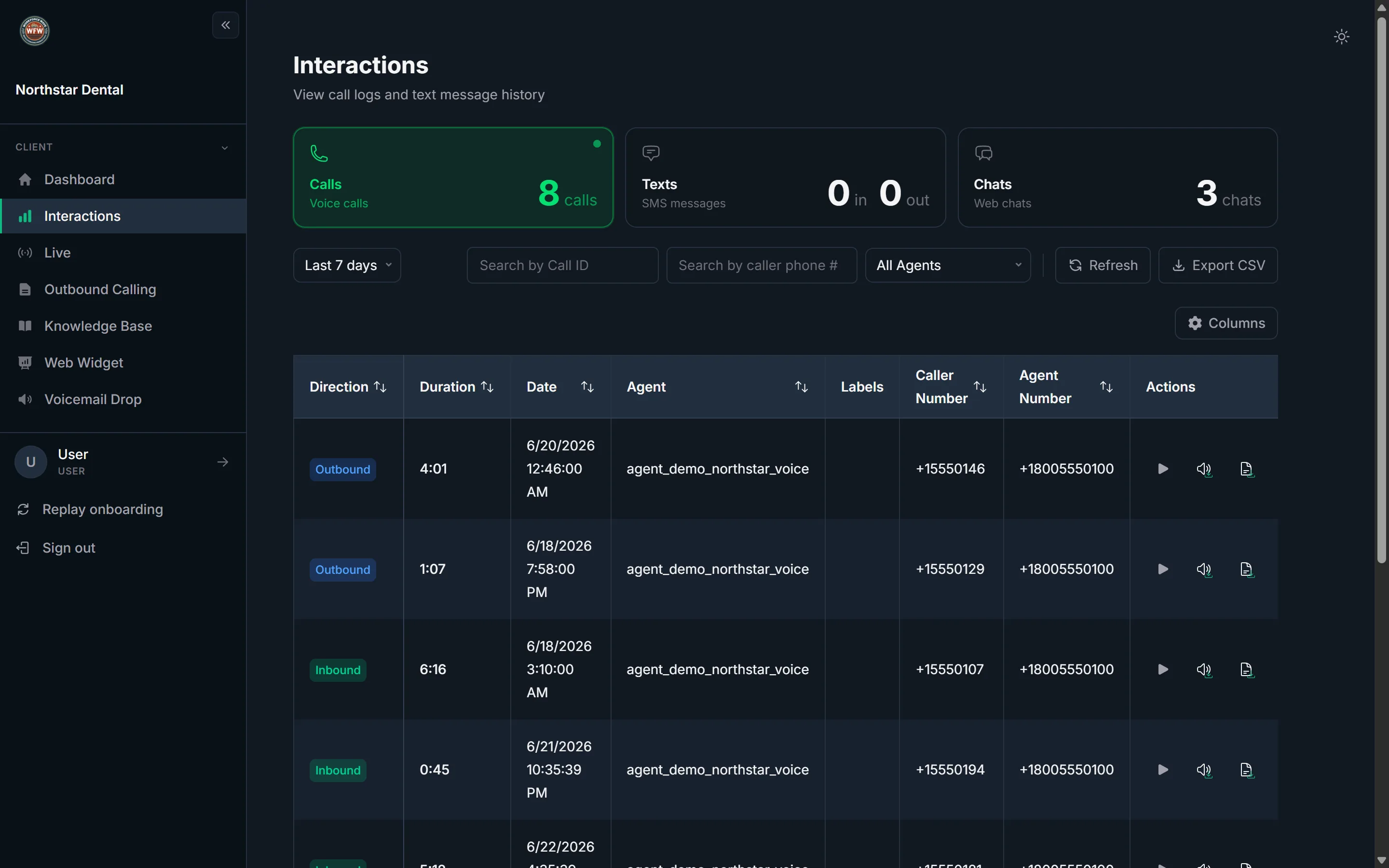
Every interaction, one inbox.
Stop losing booked appointments to friction.
Workforce Wave books appointments during the call — so every qualified caller hangs up with a confirmed time, not a callback promise.
Start booking during the call