
Workforce Wave Web Widget
Your AI agent.
On your website.
In 60 seconds.
Talk to your visitors with the same voice agent that answers your phone -chat, voice, and your knowledge base, all from one script tag.
Live demo
Talk to Catalyst right now
The widget in the bottom-right corner of this page is powered by the same technology you will embed on your site.
How it works
Three steps. One script tag. Done.
Pick your agent
Open your dashboard, find your agent, and click Web Widget. Your existing AI is already configured.
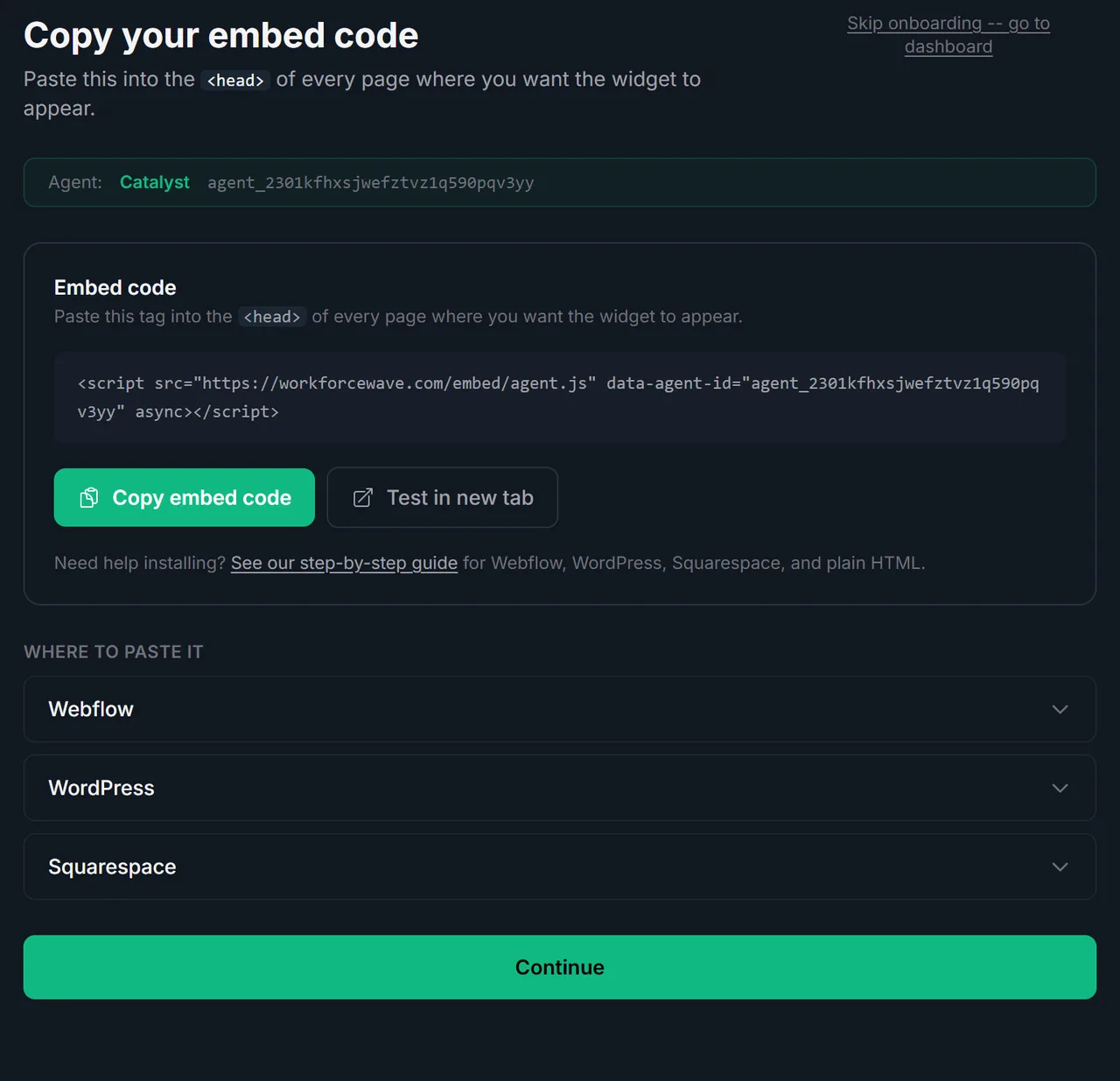
Copy your code
Click Copy embed code. One script tag lands on your clipboard. That is the only code you will ever touch.
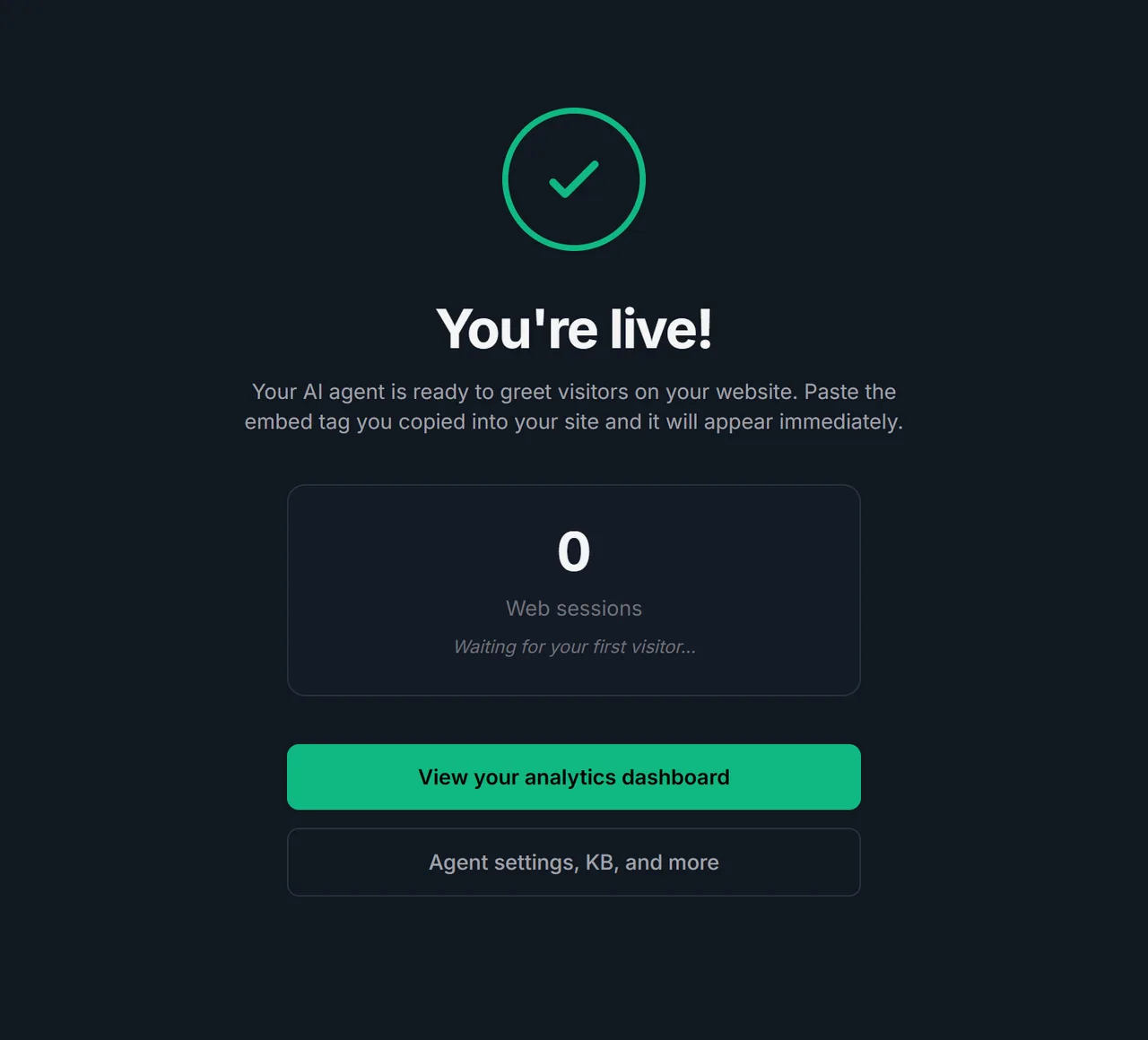
Paste and ship
Drop the tag into your site head. Reload. Your agent is live and talking to visitors.
Everything included
Built for real businesses.
Voice + text in one widget
Visitors choose to type or speak. The same agent handles both modes seamlessly.
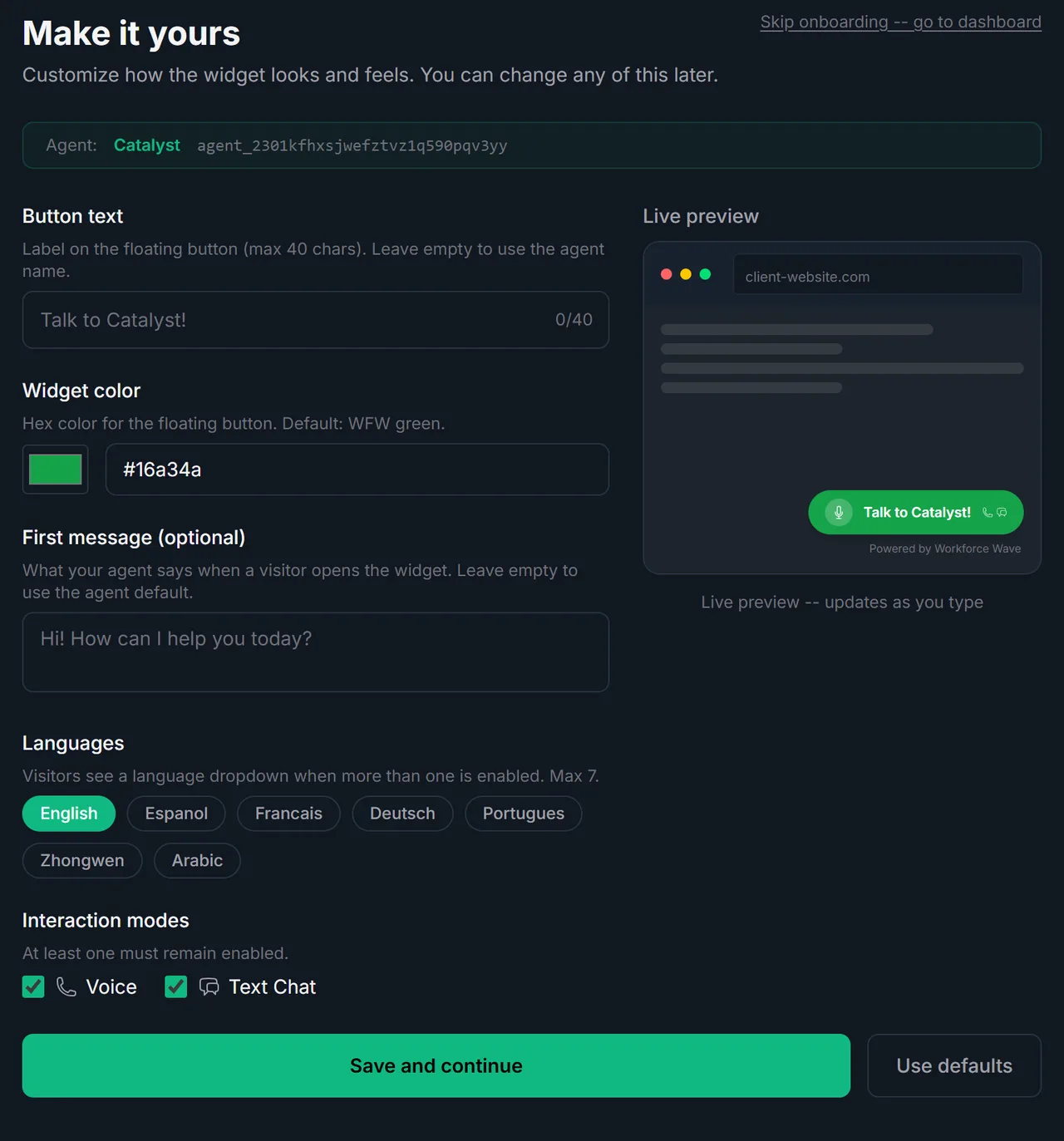
Brand colors and your logo
Button color, avatar, and first message -all configurable in your dashboard.
HIPAA-compliant
Audio stored with AES-256 encryption. PHI redacted before extraction. BAA available.
Powered by your existing agent
No retraining. The agent that answers your phone greets your web visitors too.
Knowledge base grounded
Never hallucinates your pricing or hours. Answers come from your own KB.
24/7 availability
The same agent that answers your phone keeps working while you sleep.
Multi-language out of the box
English, Spanish, French, and more. Visitors pick their language from a dropdown.
Analytics dashboard included
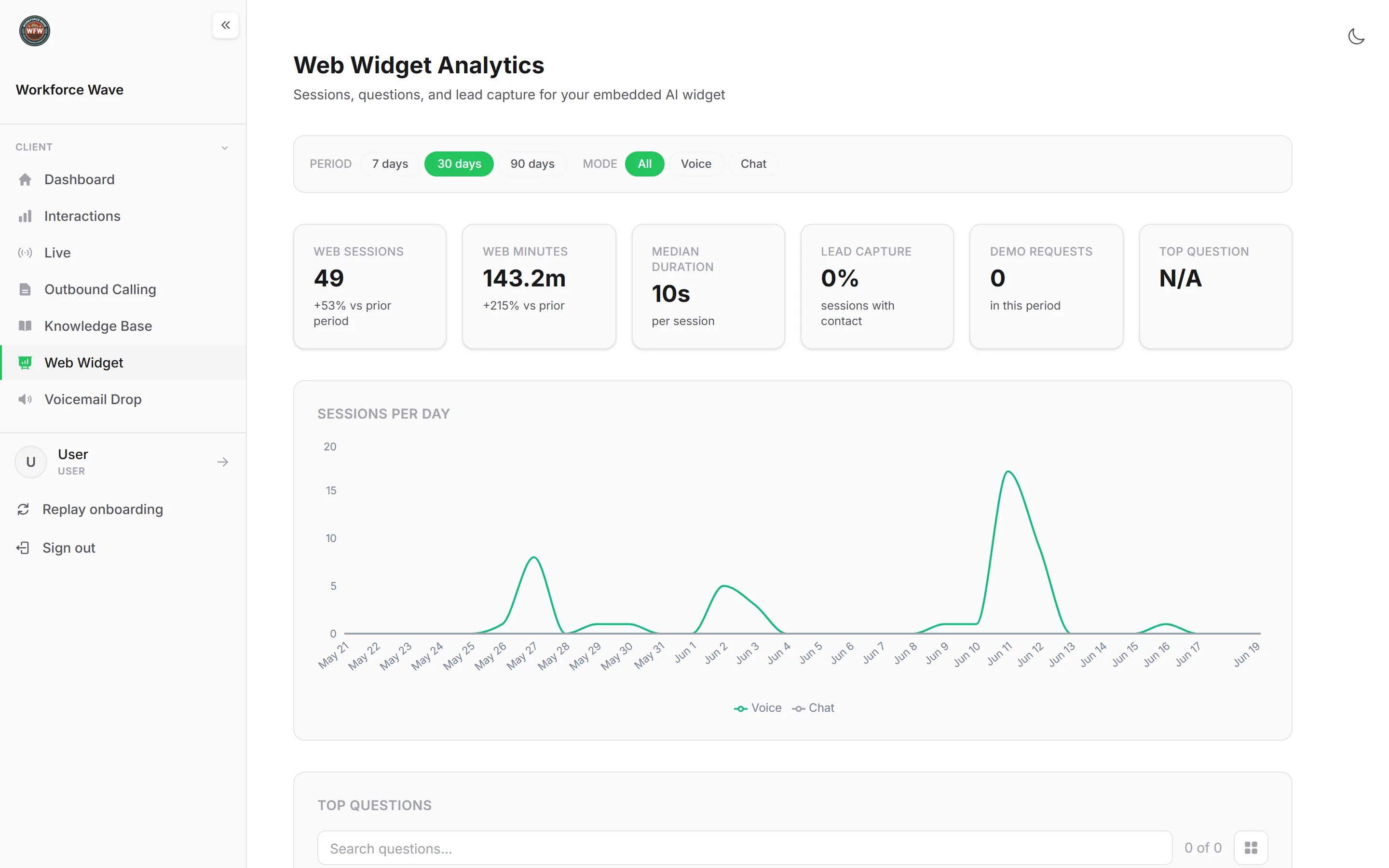
Sessions, duration, questions asked, and leads captured. All in your dashboard.
Analytics Included
See every conversation, session, and question.
How we compare
Why not just use a chatbot?
Workforce Wave web minutes are billed at the same rate as phone minutes. No extra subscription, no setup fee.
Pricing
Same as your phone agent.
Pay only for what visitors actually use. Web minutes are billed at the same rate as phone minutes no extra subscription, no setup fee.
FAQ
Common questions
Do I need a separate AI agent for my website?
No. Your existing phone agent handles both. The same voice, the same knowledge base, the same prompt -deployed to your website with one script tag.
How do I customize the look?
Open Dashboard, pick your agent, click Web Widget. Set your button text, brand color, avatar, and first message. Changes go live instantly.
Who controls which websites can use my agent?
You do. You specify an allowlist of domains in the admin UI. Any site not on your list is silently blocked from loading your agent.
Where do I see what visitors said?
Every web conversation is logged in your dashboard alongside your phone calls, tagged with channel = web. Same call log, same search, new column.
Can I disable it instantly if something goes wrong?
Yes. A single toggle in the dashboard kills all web access immediately. No code change, no redeploy. Visitors stop seeing the widget within seconds.
Get started
Your AI agent. On your website.
In 60 seconds.
The same agent that answers your phone can greet every web visitor, capture leads, and answer questions around the clock.
Already a customer? Web widgets enable instantly from your dashboard.